Freedom to choose your hardware
Run supported devices from different brands and operating systems within one network.

With Ki-Wi Signage, you plan digital signage content, manage devices and control touch and non-touch screens from one web-based CMS.
The platform works across supported brands and operating systems; connect it to live data, business applications and peripherals as your operations require.

Manage different screens, use cases and locations from one environment.
Run supported devices from different brands and operating systems within one network.
Assign each screen, group or location its own content, schedule and display conditions.
Add touch, live data, readers, sensors, printing or payments to suit each project.
Monitor device status remotely; Ki-Wi can help with compatibility, deployment design, integrations and customisation.
The web-based CMS connects content preparation and scheduling with management of your entire device network.
Upload media or connect web and data content. Build layouts and playlists from individual elements.
Assign content to screens, groups or locations and schedule when and under what conditions it appears.
The device downloads the correct content and plays it locally, even during a short connection outage.
See device status and playing content, set operating hours and handle routine tasks without travelling to the site.
From standard digital signage to self-service and data-driven scenarios.
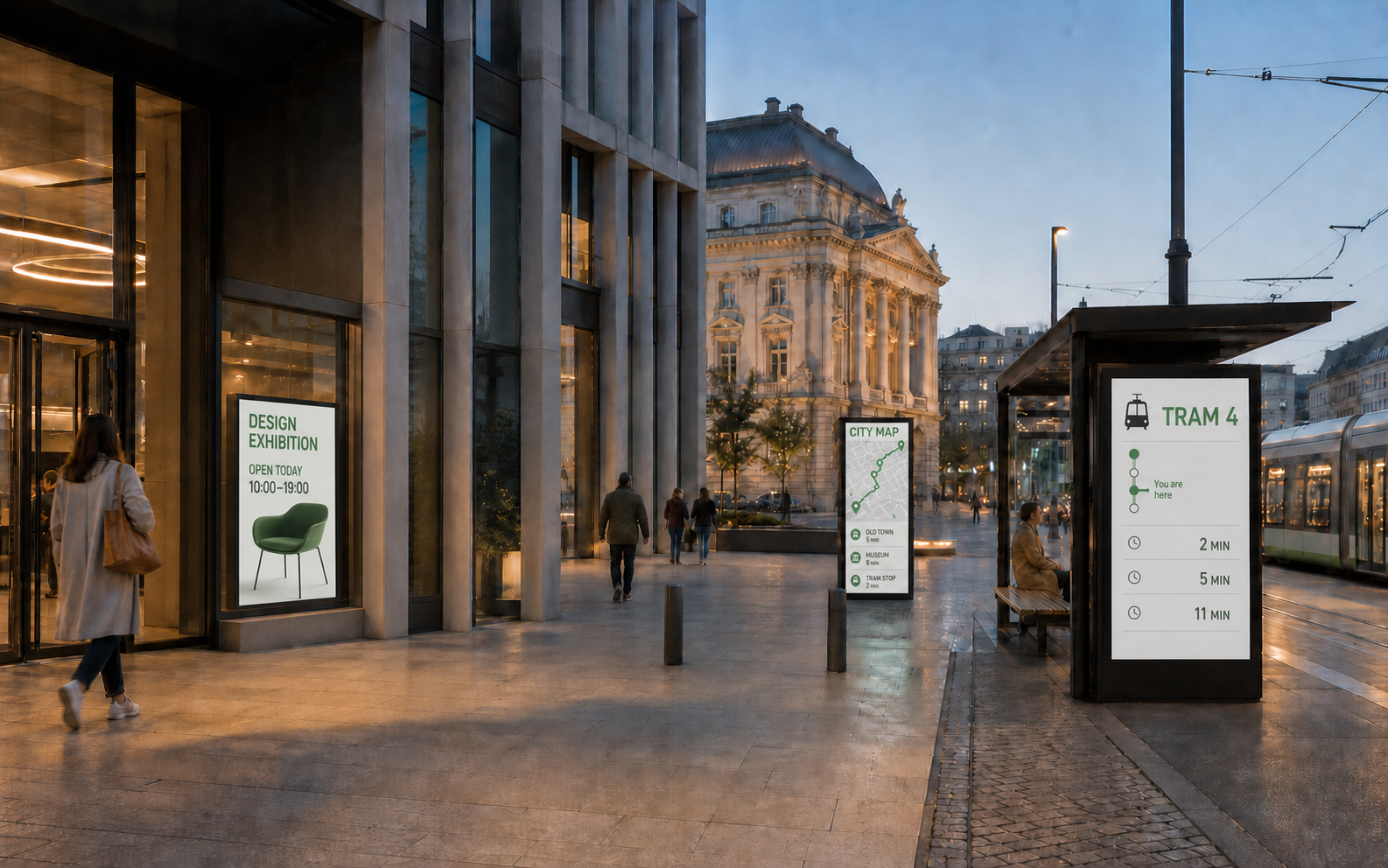
Give each screen, zone or location its own content and playback schedule.
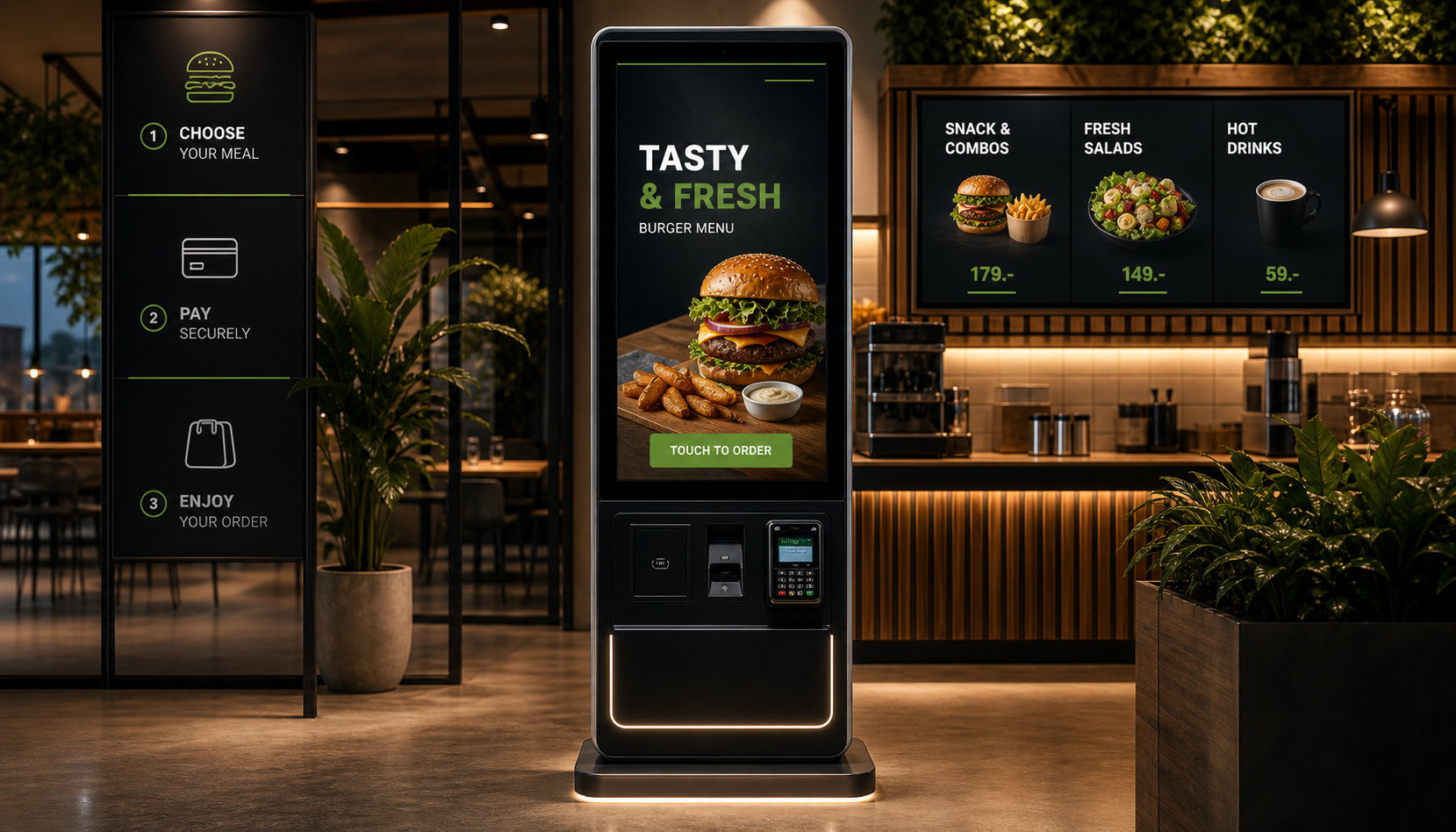
Search for information, navigate, complete a form, place an order or pay directly on the screen.
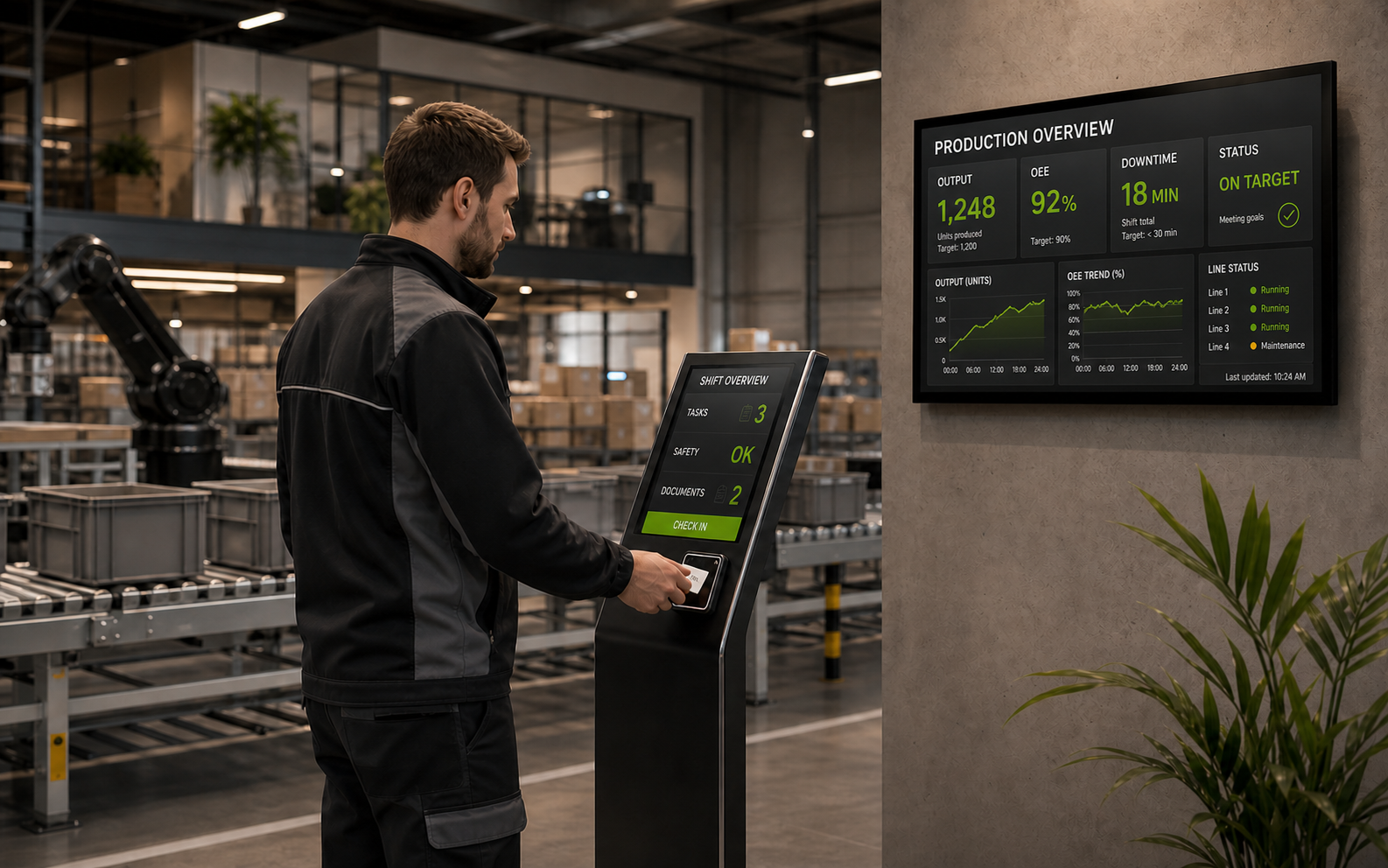
Connect the screen to business data and systems so people can use the information straight away.
Check your existing devices or choose the right ones for a new deployment. We keep exact models and versions up to date in our documentation.



Ki-Wi Signage connects content with the applications, data and devices in your operations.
Premium and Enterprise differ in how they are operated, their level of support and the scope for customisation.
A cloud-based option for remotely managing content and devices without operating your own server infrastructure.
Explore Premium On-premiseFor organisations with more demanding requirements for integrations, environmental control, support and customisation.
Explore EnterpriseTell us about the content, devices and systems you want to connect. We will recommend the right Ki-Wi Signage deployment.