Integration

Connect what you already use.

Or take inspiration from a new scenario.

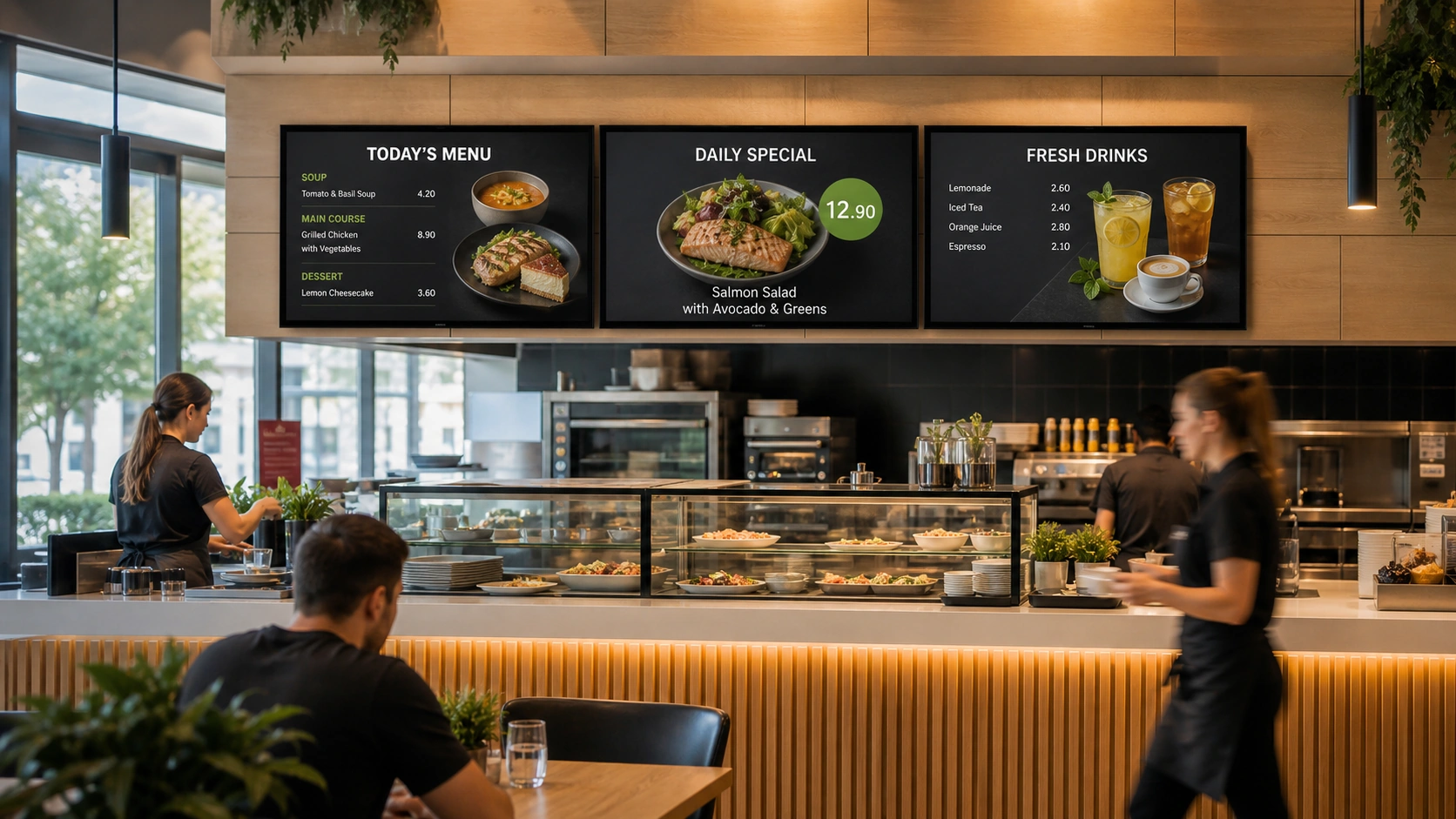
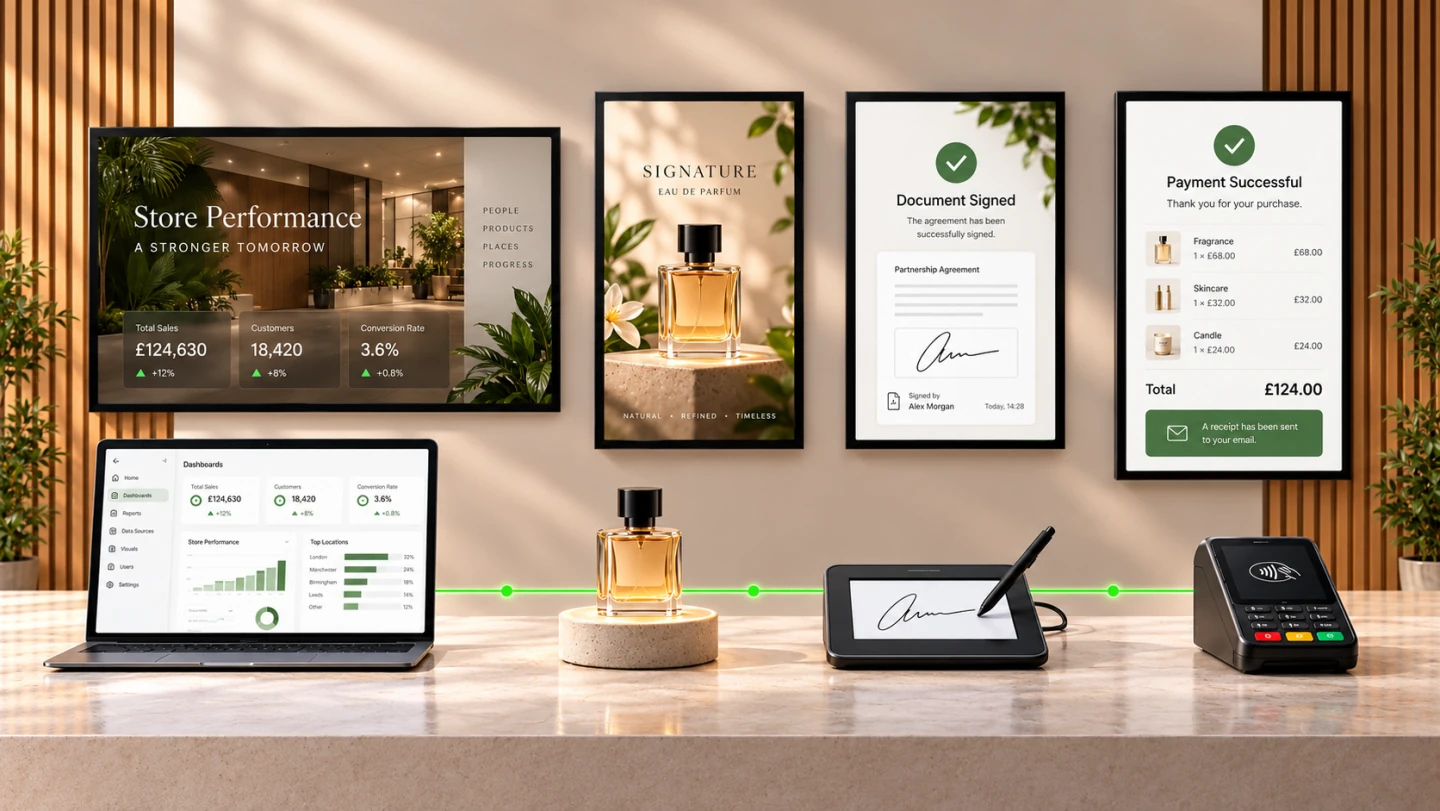
Content, data, applications, sensors and devices work together, so every screen can inform, respond and trigger the next step.

Illustration of reports, a product sensor, a signature pad and a payment terminal connected to screens.
Ways to connect

From live data to action.

Start with what the screen needs to do. We tailor the integration to your systems and workflow.

Data and systems

Current information without manual retyping.

The screen works with the data and services your organisation already uses.

  • Business and operational systems

    HR, attendance, school timetables, training, catering and other workplace services.

  • Web and kiosk applications

    Portals, forms, intranets and secure self-service flows.

  • Live data, reports and dynamic pricing

    KPIs, production data, Power BI and centrally managed prices.

  • APIs and operational automation

    Device management and monitoring through REST API, with events delivered through webhooks.

  • Programmatic campaigns

    Static banners from Adform and video campaigns delivered through the VAST standard.

Examples from our integration experience Edookit · Power BI · TOS · SharePoint · and more
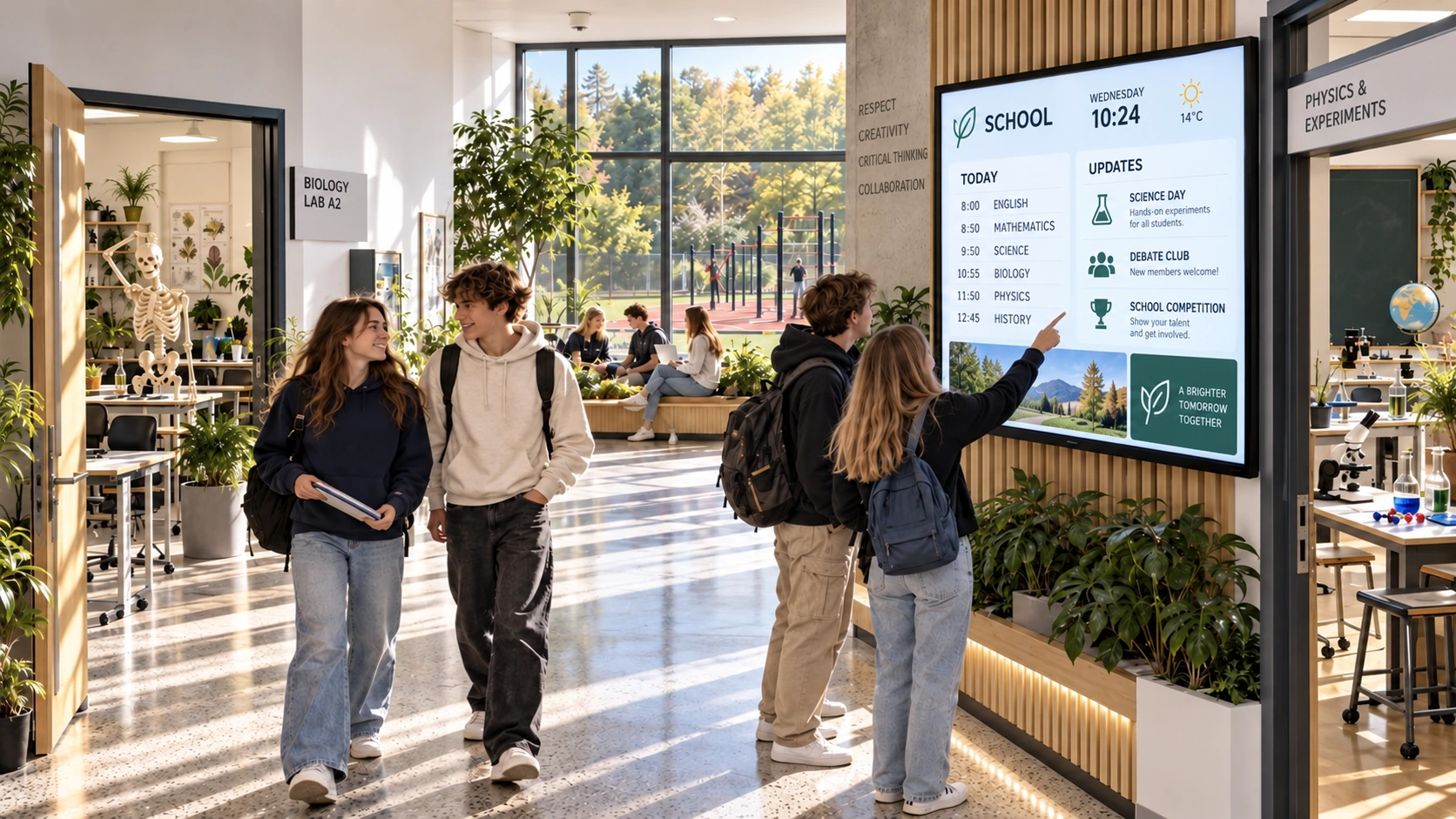
School timetables

Edookit — timetables delivered automatically to school screens.

HR, attendance and learning

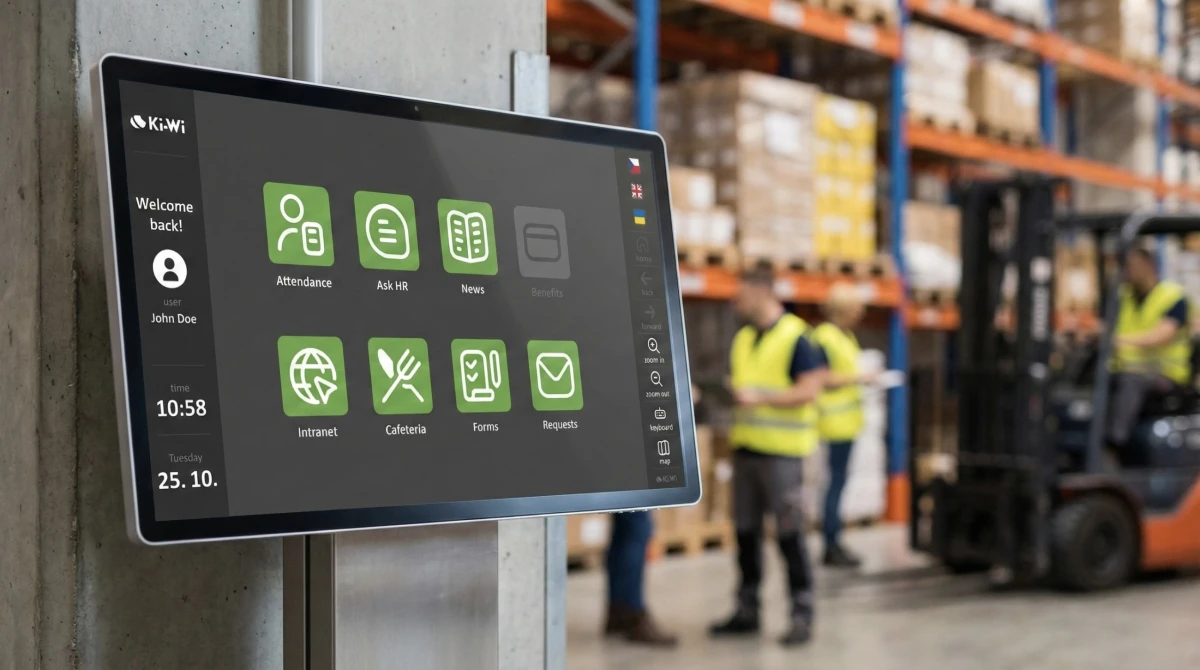
TOS, RON, Saitech, Aktion, Interflex, SAP SuccessFactors — employee data and services.

Data, documents and signing

Microsoft Power BI, SharePoint, OneDrive, Google Drive, Signi, DocuSign.

Catering, learning and communication

Septim, Rohlík, Aramark, Pozrimenu.sk, iTutor, eHuman, JOBka.

Programmatic content

Ki-Wi Adform Banner for static banners from Adform and VAST for dynamically delivered video.

Interfaces and live sources

REST API, webhooks, MQTT, WebSocket, RSS, Google Slides and Ki-Wi Audio for streams from a URL.
Sensors and interaction

Content that responds to its surroundings.

An interaction can be triggered by a person, a product or an event in the space.

  • Touch and physical controls

    Touchscreens, buttons and other control elements.

  • Motion, presence and product interaction

    Content responding to proximity, motion or a lifted product.

  • Audience and content reach measurement

    Using cameras and sensors, for example in waiting rooms.

Examples from our integration experience Nexmosphere · Audience Analytics · LiDAR · cameras · and more
Nexmosphere

A lifted product, proximity or touch triggers the relevant content.

People counting and presence

Scenarios using LiDAR, cameras and other sensors to evaluate activity in a space.

Motion and weight sensors

An event in the space or product interaction changes the media or scenario.

Touch and physical buttons

From a simple choice to an interactive application and self-service flow.

Devices and operational steps

From displaying information to completing a task.

A screen can be extended with identification, document handling or payment.

  • Identification and code reading

    RFID/NFC, barcodes and QR codes.

  • Price checkers

    Show price and other relevant information after a product is scanned.

  • Printing, scanning and signing

    Documents, receipts, scanning and electronic signing in one flow.

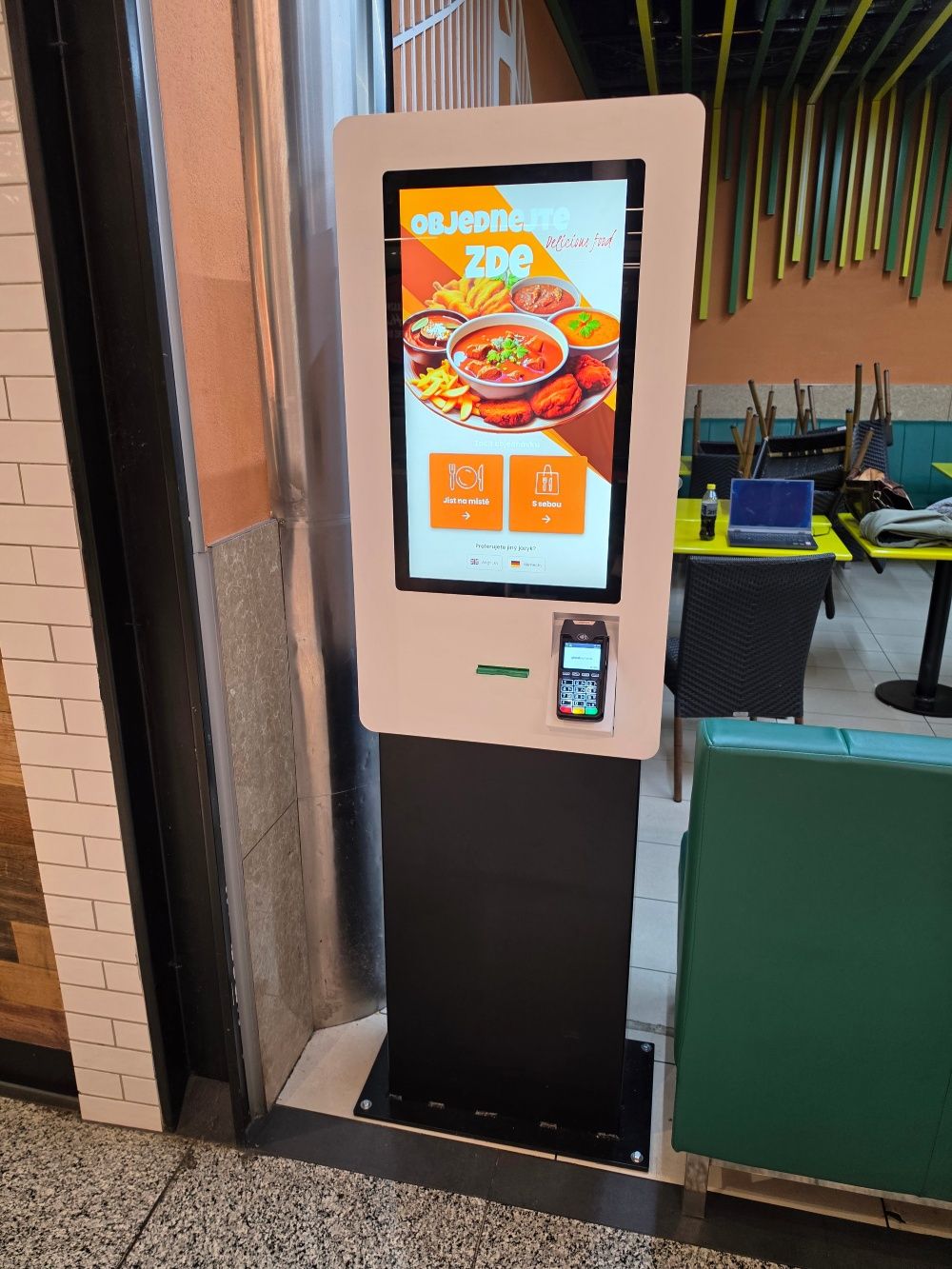
  • Payment terminals

    Ordering and payment as part of a self-service application.

Examples from our integration experience Globus PriceChecker · Signotec · Global Payments Europe · and more
RFID, NFC, QR and barcodes

Identification of a person or product as the start of the next step.

Globus: PriceChecker and Scan & Go

A proven retail scenario: prices, product details or navigation after an EAN is scanned.

Signotec and signature pads

Electronic signing as part of a document workflow.

Printers and scanners

CUSTOM, Sanei, Hengstler, Star Micronics, EPSON, with WIA or TWAIN scanning depending on the player.

Payment terminals

Documented project integration, including the Global Payments Europe protocol.

COM, RS232 and local APIs

Control of selected peripherals and non-IP devices from an application or player.

Integration in practice

Connections for real-world tasks.

From responding to a lifted product to employee self-service.

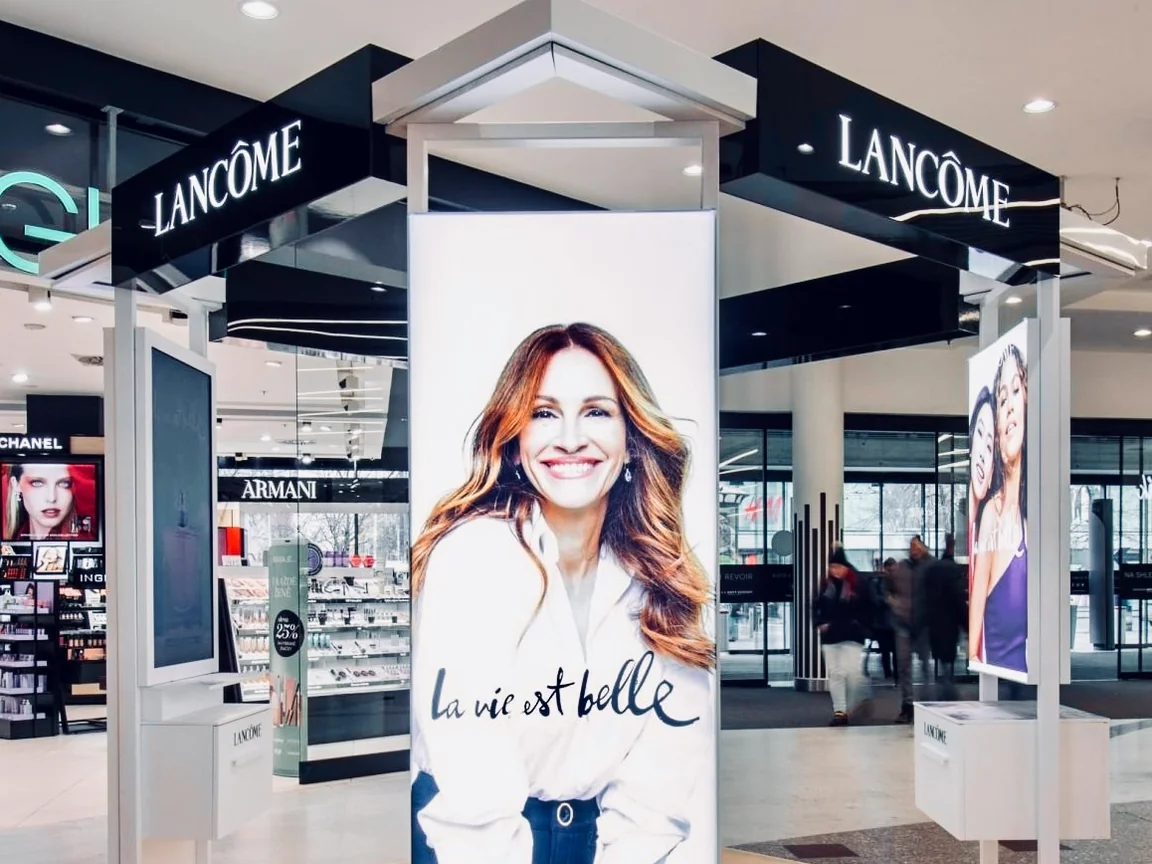
Lancôme interactive podium with three screens and a fragrance selection area

A shopper lifts a product. The screen responds.

At the Lancôme podium, Nexmosphere RFID technology identifies the selected fragrance and the screen plays its video.

productsensorcontent
Read the Lancôme story
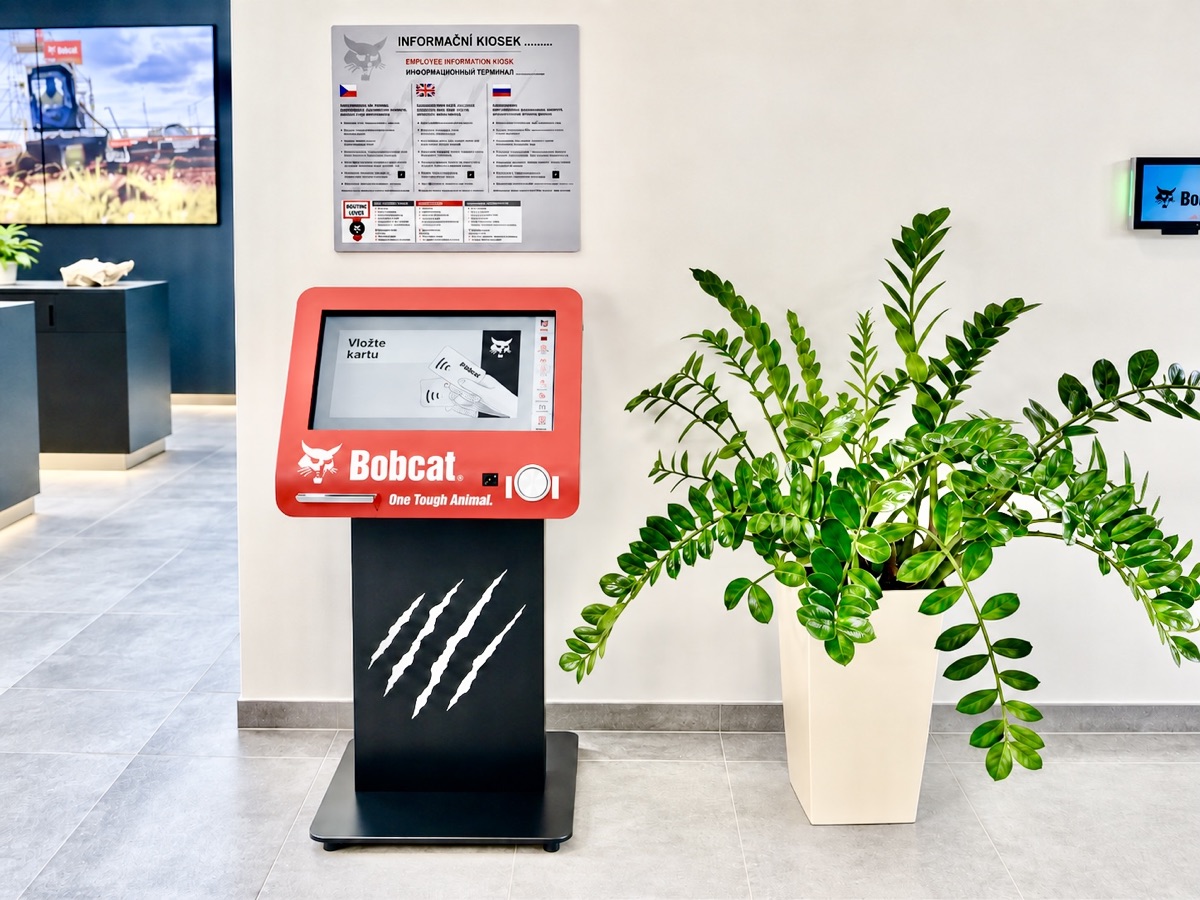
Doosan Bobcat employee self-service kiosk

Employee services at one kiosk.

In the InfoHub solution, Doosan Bobcat kiosks connect HR systems with RFID, printing, scanning and electronic signatures.

identificationInfoHubtask
Read the Doosan Bobcat story

Do you have your own system or device?

We will verify what can be used directly and design the right connection for your operation.