
Practical guide
Digital menus that keep up with your service.
Choose today’s dishes in the morning. During lunch, adjust the menu to show what is still available. Here is how staff manage a digital menu and what helps guests make their choice.

What guests should see at a glance.
What they can order today, how much it costs and what is currently available. A clear menu helps guests find their way before they order.
In Ki-Wi Menu, you work with saved dishes and their prices. You use them to build today’s selection and show it on a screen in your venue. Staff decide what is currently on offer.
Explore Ki-Wi MenuWhen the offer changes during service.
Dishes return to the menu, some sell out during lunch and prices occasionally change. A saved list gives these changes a shared starting point.
Choose today’s dishes in the morning.
Build the daily selection from your full list. Add a new dish and its price manually; saved items are there to use again.
Adjust the menu during lunch.
Staff manually hide a sold-out dish. Prices and visibility are changed directly in the app; a connection is needed to send new changes to the screen.
Start the next day with a prepared list.
A recurring menu does not have to become a new image every time. Choose today’s dishes and check what guests will see.
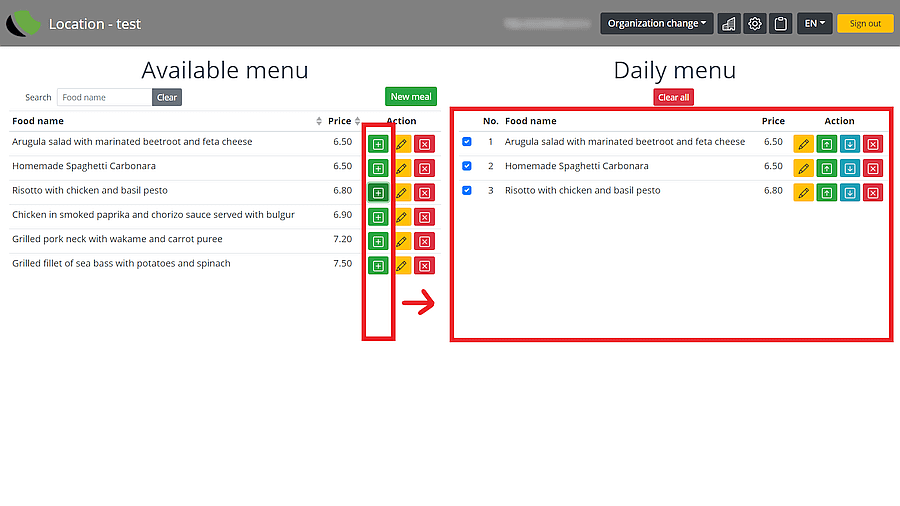
How Menu and Ki-Wi Signage work together.
The menu and other content meet on one screen. Each part of the solution has its own role.
Alongside the menu, you can introduce your suppliers or highlight an offer. In Ki-Wi Signage, you can also schedule a change from the lunch menu to the evening drinks list.
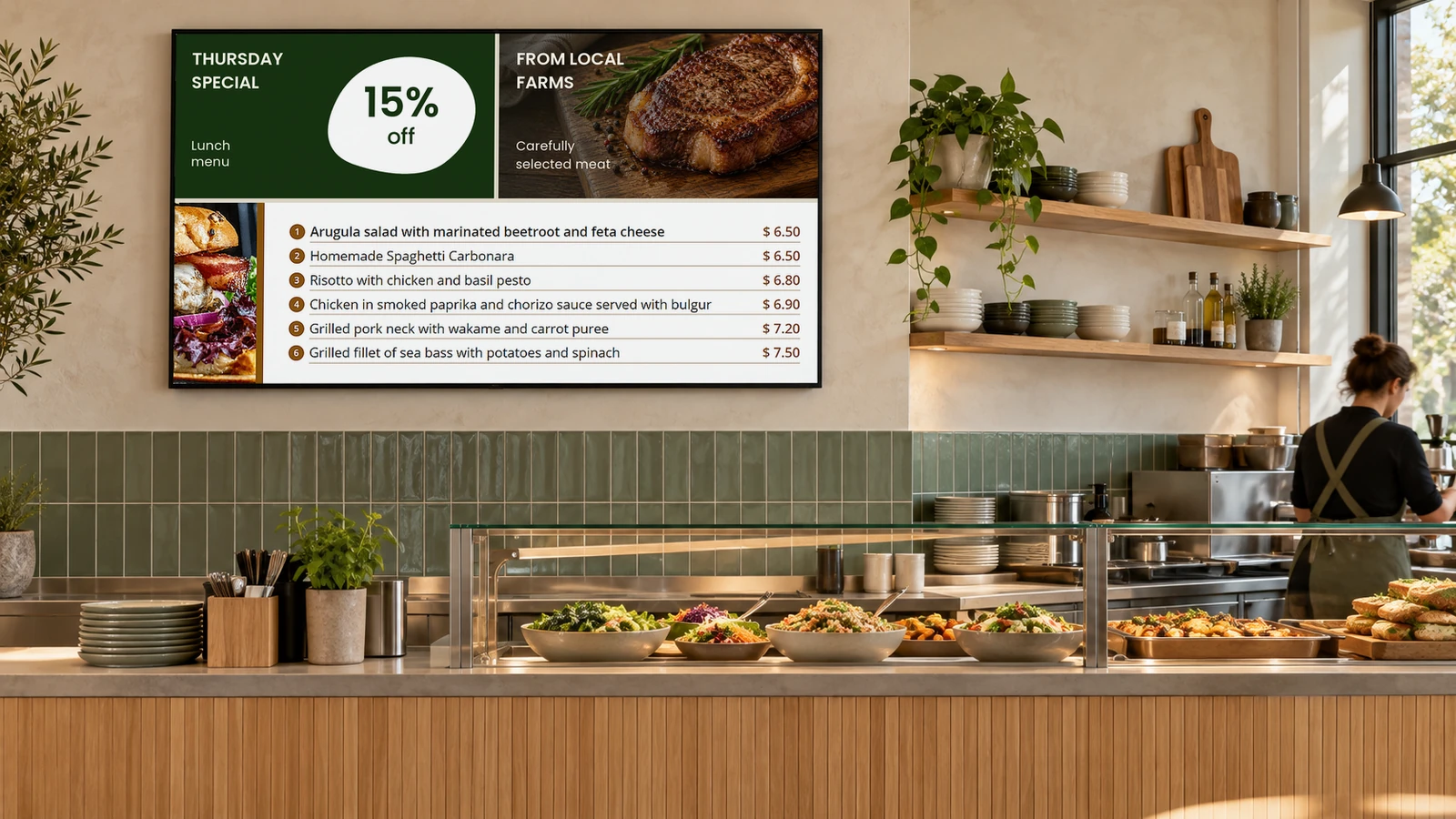
Help guests choose from your menu.
A clear menu gives space to what guests are choosing. It helps them find a dish, read the price and compare their options.
Where digital menus help.
They work well where dishes recur and the offer changes regularly — for example, in a bistro, buffet or canteen.
How ORLEN SK displays pricesWhat to prepare before your first screen.
Start with your offer and the place where guests will read it. These help you choose a suitable display, player and way to manage the content.
Let’s discuss your menu and screens.
We’ll look at a solution that suits your venue.